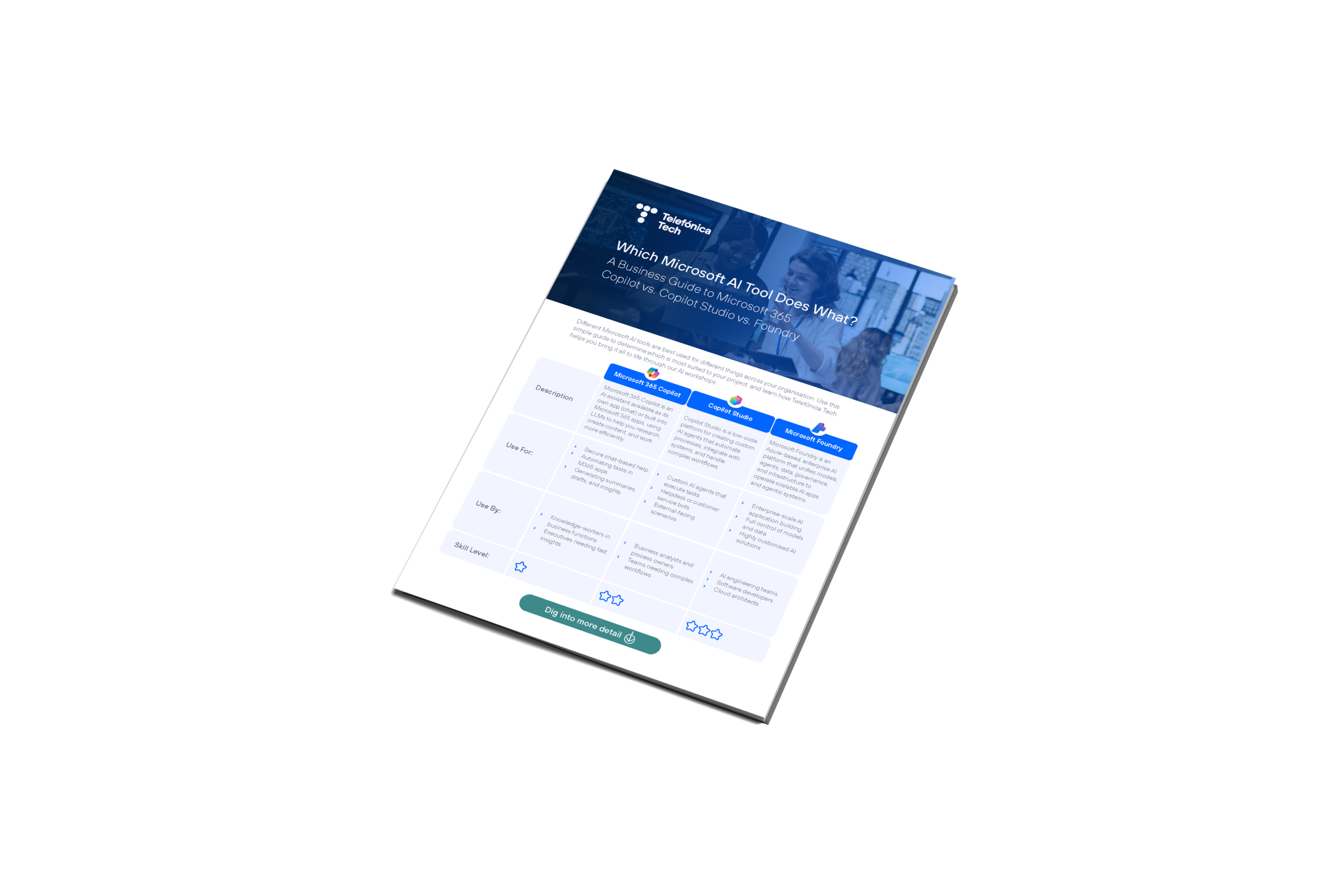
Microsoft 365 Copilot vs. Copilot Studio vs. Foundry

A Comparison Guide for Businesses

With a range of technologies available, it’s easy to get confused by which AI tool does what. Different Microsoft AI tools are best used for different things across your organisation. So, understanding the best uses of each will help you get the most out of your Microsoft investment.


Use this simple guide to compare the options, and learn how Telefónica Tech helps you bring it all to life through our AI workshops.


Let’s compare Microsoft’s various AI technologies:



Microsoft 365 Copilot

What is Microsoft 365 Copilot?

Microsoft 365 Copilot is an AI-powered assistant chatbot, that is also built into the Microsoft 365 apps you use every day. It serves as the launchpad for AI across your organisation, fuelled by large language models (LLMs) combined with your Microsoft Graph data. It tends to be the most recognised AI tool among employees.

When should we use Microsoft 365 Copilot?

Use Microsoft 365 Copilot when:


  • You want chat-based help securely within your organisational boundaries that understands your work, emails, and meetings
  • You want to automate tasks across Outlook, Teams, and SharePoint without complex design
  • You want to get intelligent insights, suggestions, and templates based on your Microsoft Dynamics 365 data

Example uses of Microsoft 365 Copilot

  • Chat: An AI assistant to flesh out ideas, explain things, check notes, and help conduct research.
  • Word: Drafting and rewriting documents
  • Excel: Summaries, formulas, insights, charts
  • PowerPoint: Turning outlines into slides
  • Teams: Summaries and action items from meetings

Pros and Cons of Microsoft 365 Copilot

Pros

  • Easy to use, no code needed.
  • Great for daily productivity.
  • Business data integrated with your apps.


Cons

  • Needs Copilot license and admin setup
  • Quality depends on data governance, permissions hygiene, and user skill-level
  • Requires additional licensing for full enterprise features

Who should use Microsoft 365 Copilot?

  • Knowledge workers such as in Marketing, Finance, Sales, Operations
  • Executives who need quick summaries and insights
  • Anyone who wants to work more efficiently within Microsoft 365 apps

How does Microsoft 365 Copilot help Finance, Sales & Service teams?

Copilot Studio

What is Copilot Studio?

Copilot Studio is Microsoft’s low‑code platform for building, customising, and publishing AI agents. It enables organisations to create tailored workflows, connectors, plugins, and specialised agents that automate business processes and carry out actions on behalf of your staff. It requires a little more skill than Microsoft 365 Copilot and supports more complex use cases.

When should we use Copilot Studio?

Use Copilot Studio when:


  • You need a custom AI agent beyond what Microsoft 365 Copilot provides, such as to automate HR, Sales or Operations tasks
  • Business processes require automations across multiple systems
  • You want to publish the Copilot externally

Example uses of Copilot Studio

  • Employee helpdesk or customer‑service bots.
  • Workflow automation in HR, operations, or IT.
  • Agents that monitor pipeline changes, trigger actions, or coordinate multi‑step workflows.


Get more inspiration on how to use Copilot Studio – take a look at our AI Use Case Library.

Pros and Cons of Copilot Studio

Pros

  • Friendly interface for building Copilots using natural language
  • Offers enterprise governance, structure, controls and branding
  • Integrates multiple data sources


Cons

  • Complex automations may require deeper Azure integration
  • Governance and lifecycle management still needed at scale

Who should use Copilot Studio?

  • Business analysts and process owners 
  • HR, Operations, Sales and Marketing teams needing automated workflows 
  • IT teams managing custom agents and governance 

Schedule an AI & Copilot Studio Envisioning Workshop with Telefónica Tech

Microsoft Foundry

What is Microsoft Foundry?

Microsoft Foundry is the Azure-based, enterprise grade AI development and deployment platform that unifies models, agents, data, governance, and infrastructure into a single engineering environment. It is the backbone for building and operating AI applications and agentic systems at scale.

When should we use Microsoft Foundry?

Use Microsoft Foundry when:


  • Building full AI applications or agent systems that require enterprise-scale reliability
  • You need full control over models, data, observability and security
  • You’re building highly customised AI apps

Example uses of Microsoft Foundry

  • Creating production‑grade generative and agentic AI solutions.
  • Multi‑model LLM apps requiring governance, auditing, and cost control.
  • Integrating AI deeply into enterprise workflows and data systems.

Pros and Cons of Microsoft Foundry

Pros

  • Enterprise-grade security through deep Azure integration
  • Supports a wide choice of models, including open source and enterprise
  • Connects to enterprise knowledge sources with optimised integrations


Cons

  • Requires advanced technical expertise (developers, architects, MLOps)
  • Cost can scale if not monitored
  • Can be more complex than Microsoft 365 Copilot or Copilot Studio in order to meet requirements

Who should use Microsoft Foundry?

  • AI engineering teams
  • Software developers
  • Cloud architects

Turn data intro a strategic asset: Data Science & AI Consultancy

MICROSOFT 365 COPILOT VS. COPILOT STUDIO VS. FOUNDRY

Microsoft 365 Copilot vs. Copilot Studio vs. Foundry

Get a copy of this guide to your inbox for quick comparisons

Save this guide as a PDF version for quick comparison in future. Fill in the form to get a copy sent to your inbox:


BUILD A SOLID ROADMAP

How can we get started with Microsoft AI?

Using AI securely, ethically and to its fullest potential requires a holistic approach.


Get a blueprint for applying the right AI tools at your organisation with Telefónica Tech’s AI workshop offerings – and start turning AI into a strategic part of business:

You might also like...