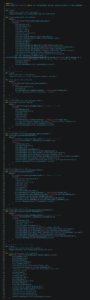
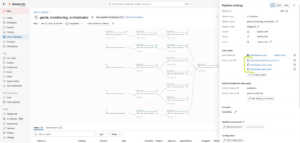
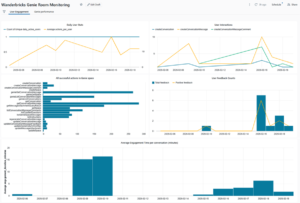
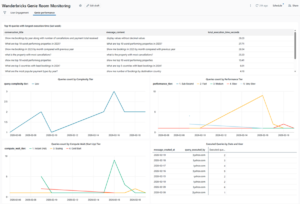
To get started, we’ll use a notebook to gather our data from Databricks Genie APIs.

The process involves first extracting the conversation IDs, then looping through them to grab the associated messages and content. Since the Conversations API doesn’t currently support server-side filtering, the call will return everything. To keep things efficient, we’ll add some custom logic to check our existing Bronze table and only process new records.
All extracted data will be stored in Databricks Volumes. Let’s start by making sure those volumes are set up:

Next, we’ll extract the conversations and use the conversation_id to loop through all the associated messages.
It’s important to remember that a single conversation can contain multiple messages, and these can be added at different times, for example, when a user revisits a conversation via the Monitoring section in the UI to ask a follow up question. To ensure we capture these updates or newly created messages, I’ve implemented a seven day “look-back” window. This ensures recent Databricks Genie interactions are always included.
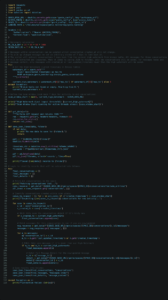
We now have new conversations and messages within these conversations placed into 3 volumes:
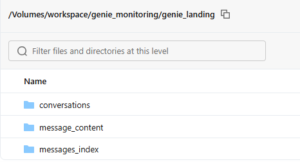
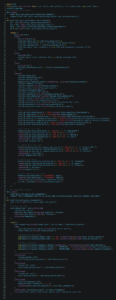
This is our landing area for data from Genie APIs. From here it will be ingested into bronze layer. For conversations/message index/message content datasets I am using dlt.apply_changes to handle Change Data Capture as these extracts might contain updates to existing records. This function handles merging new data into target table.
System.query.history data ingestion is also using this function as records in this table can be updated.
System.access.audit is append only table and append-only stream is appropriate here. It will also ensure better performance, too.
Let’s move our data to bronze layer:
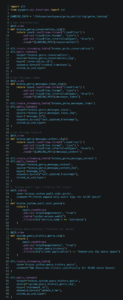
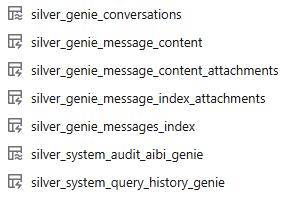
This code defines our bronze layer and consolidates Genie monitoring data from two distinct paths: API-driven JSON extracts stored in Volumes and Databricks system tables. By using a mix of CDC (Change Data Capture) for conversation updates and efficient streaming for audit logs, we create a clean, deduplicated foundation for all our downstream monitoring.
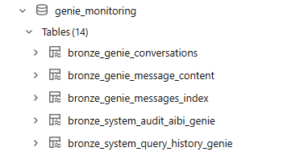
skipChangeCommits is applied to the system tables to make the ingestion more robust. It prevents the pipeline from unnecessarily reprocessing data when these system tables undergo background maintenance or optimization.
inferColumnTypes is used by Auto Loader when streaming the JSON files and ensures that schema evolution works seamlessly, allowing new columns to be added automatically if the Genie API evolves over time.
This defines the Bronze layer and consolidates Databricks Genie monitoring data from API extracts and system tables, creating a clean foundation for downstream analysis